Play your stems.
Import four aligned stem files as one song. Balance the parts, mute individual sounds and bring them back into the mix. Start with included sounds if you do not have stems yet.
Stem player · sampler · looper for iPhone and iPad
Bring in vocals, drums, bass and other parts. Mute a stem, ride the faders and find a new groove. Then slice your samples, layer loops and record what happens.
Included sounds. One purchase. No subscription.
Get Cellophane on the App Store ↗ Start with the illustrated guide →Import four aligned stem files as one song. Balance the parts, mute individual sounds and bring them back into the mix. Start with included sounds if you do not have stems yet.
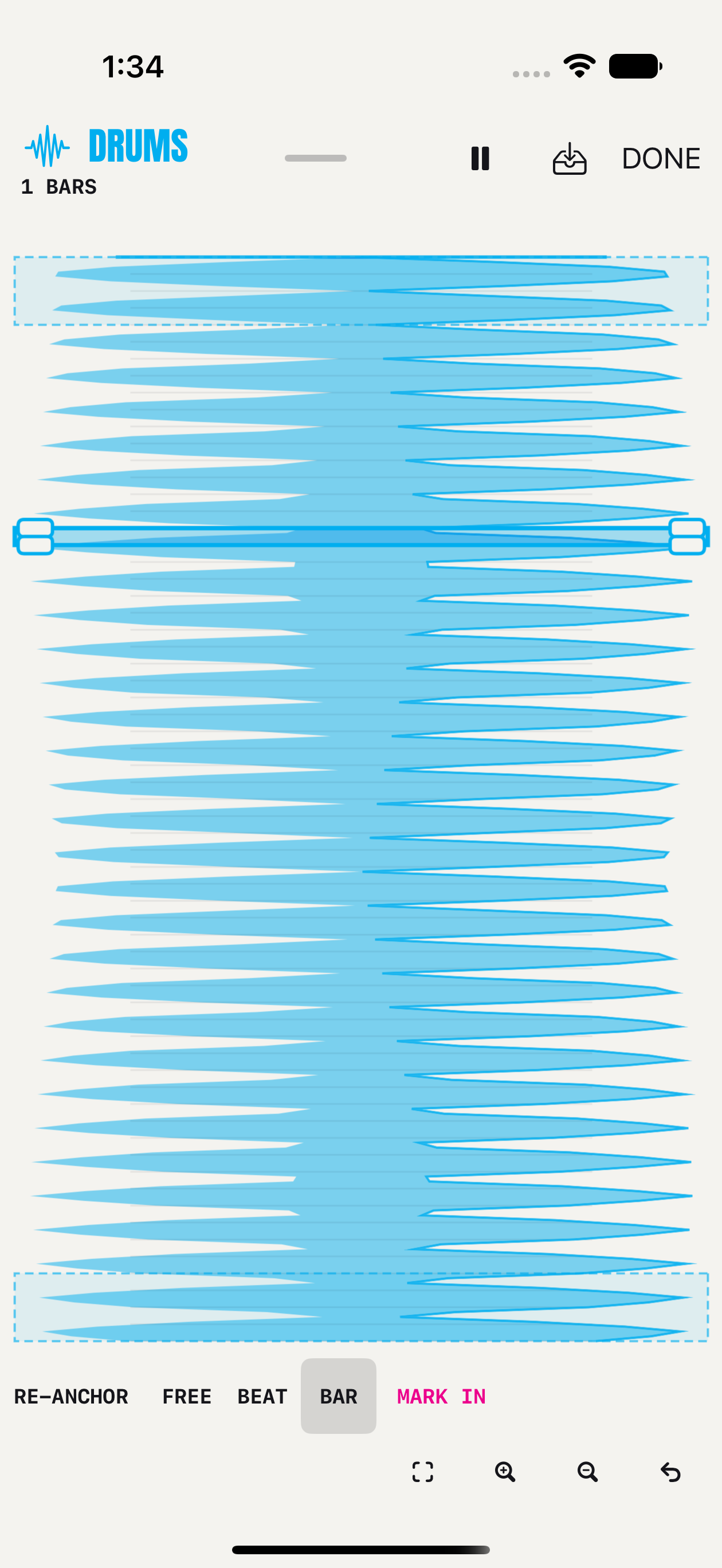
Bring loops, one-shots or field recordings from Files. Choose a region in the waveform, refine the cut and save a playable sample. Keep up to four sounds together as a Cel.
Repeat a phrase, layer another part and change the tempo. Save a Set to return to the arrangement, or use Tape to record your performance.
Start playing on iPhone or iPad
Try the included sounds and guided lessons, or bring your own stems and samples from Files. No account or Mac required.
Follow the illustrated guide →Import four aligned audio files, set the tempo and first downbeat, then play the individual parts. You can also import a compatible Cellophane package or ZIP, or download a shared bundle from an HTTPS link.
The App Store release plays existing stems; it does not separate a mixed recording into stems. Prepare those parts in your DAW or a stem-separation tool, then import them.
Included and imported sounds play offline. Editing and timing analysis run on your device. Downloading a shared bundle needs an internet connection.
How to play and loop stem files →AVAILABLE NOW · IPHONE + IPAD
A stem player, sampler and looper for your own sounds. One purchase with no subscription or in-app purchases. See your local price on the App Store.